The smart panel
A small panel mounted on the unit's door. A guest holds their phone near it, the checkout link opens, and they confirm their departure with one tap — no app, and no chasing from you. And it's free with Professional.
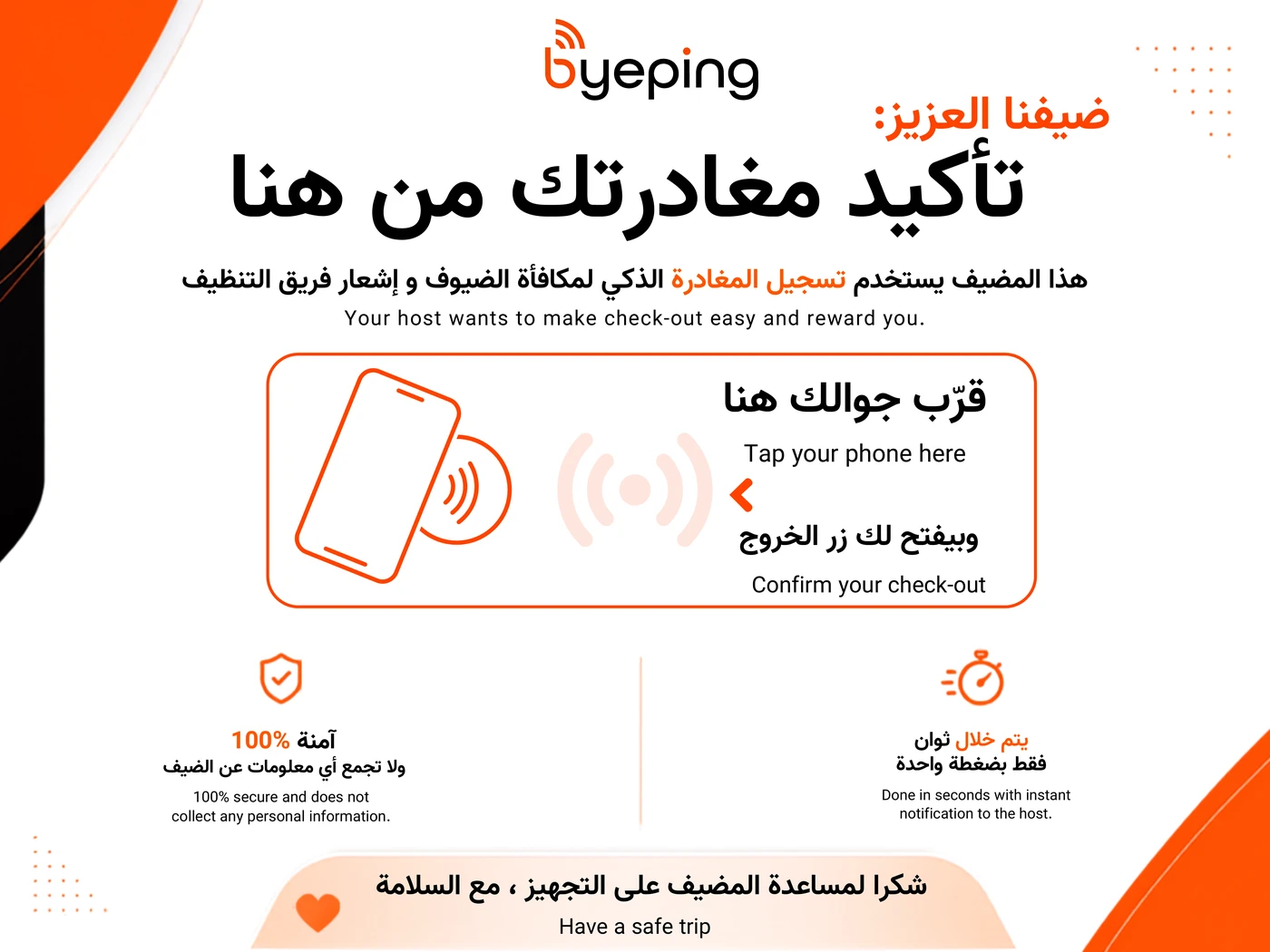
What it actually is
It sticks to the door, no drilling
No screws, no tools, no technician. It goes up in a minute and comes off clean if you move it.
No power, no battery
Nothing to charge, nothing to plug in, nothing to maintain. Mounted once, then it works without your attention.
One panel, guest and cleaner
The guest taps it and confirms departure. The cleaner opens the same link and signs in with their own code to log the start and end of the clean — a code you set per property. One panel serves both, and the cleaner needs no account.
Free with Professional
No separate price and no shipping fee. Request it from the property page after subscribing and it arrives ready to mount.
What happens when a guest confirms
You're notified immediately
A WhatsApp message saying the unit is free, with the time and anything the guest noted or flagged.
The cleaning task opens itself
The cleaning team gets its notification at the same moment, so you don't have to relay between them and the guest.
Warranty and replacement
Five-year warranty
Covers manufacturing defects and print damage under normal use.
Free replacement
If it stops working or is damaged within the warranty period, we send a replacement at no cost. Just get in touch.
How to mount it
- Subscribe the property to Professional, then submit the shipping details from the property page — once per property.
- Pick the spot before peeling anything: on the unit's door, right above or beside the lock, at a height a standing guest will see.
- Clean and fully dry the spot. Dust or cleaning-product residue is the main reason a panel falls off days later.
- Peel the backing, place the panel once without sliding it, and press with your palm for about 30 seconds.
- Test it yourself: hold your phone near it — all you need to see is the link open. You won't get a checkout to confirm unless a real booking is running: with no booking the page says no checkout is scheduled, which is expected and does not mean the panel is faulty. Then leave it 24 hours before cleaning around it, so the adhesive sets.
The panel is free with Professional — it isn't sold separately and carries no shipping fee.